


Nail content creation: do you need the latest phone to succeed?
By Guest Writer | 29 December 2025 | Expert Advice, Feature, Technology
Sussex-based nail content creator & Scratch columnist, Zoya Mac, reveals why you don’t need the newest phone to create great content…
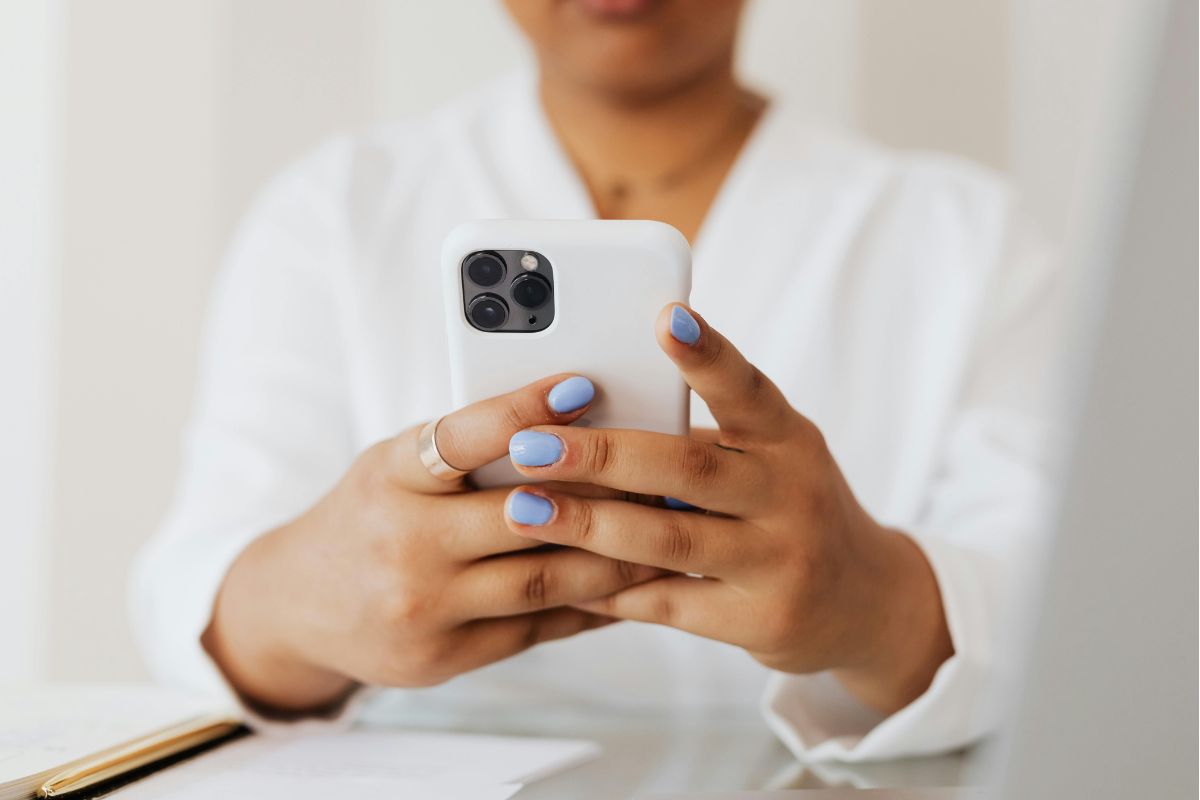
When the iPhone 17 launched, I did what many people do: I scrolled through the specifications and became tempted to purchase. But if you’re trying to improve your content creation skills and be seen by clients or brands, I don’t believe you need the newest phone on the market; you need to adapt your settings and setup.
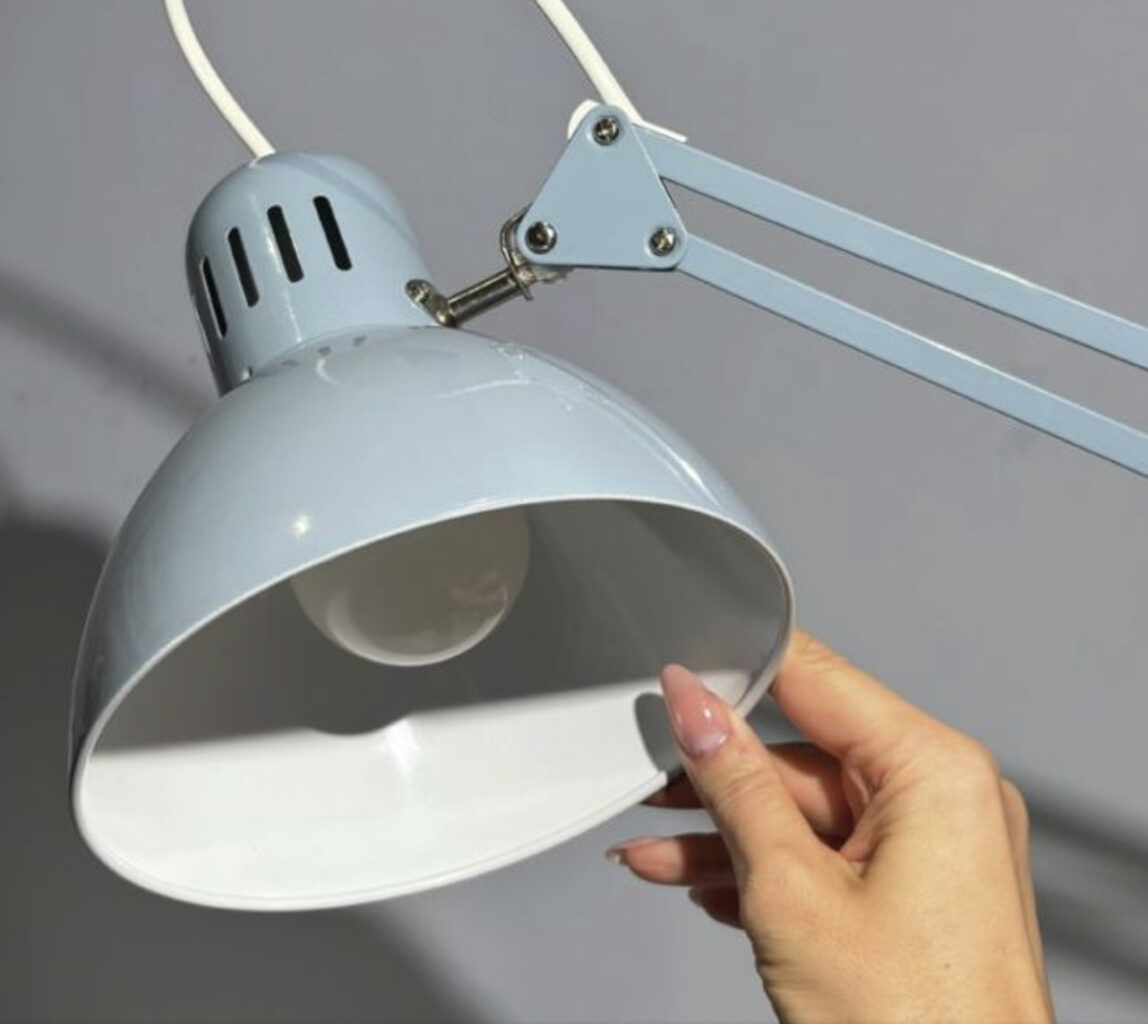
For the first two years of my nail content creation journey, I used an iPhone 11 – not even a Pro model. I filmed tutorials and product-focused Reels using that phone, with support from two IKEA lamps and editing tools. The results were good and, just a few months ago, I created a product video tutorial for The Nail Dates community using the same setup. This demonstrates that you can shoot high-quality content with the tools you have.
Currently, I use an iPhone 15 – not the Pro, and every brand video, Reel and paid campaign I’ve posted in the last two years has been shot on that device. I’ve considered upgrading to the latest Google Pixel or iPhone 17, but honestly – the camera changes don’t appear to be that dramatic. I think it’s more important to review how you’re using your phone camera, rather than focusing on the model.
Here’s a breakdown of what I’ve learned and tested, and how you can get better shots using your current setup:
What actually matters when creating nail content?
Macro focus: A phone should hold focus on tiny details, such as glitter, brush strokes and structure. iPhones and some Android phones tend to do this naturally via the screen lock option. If your camera isn’t doing the job, try a clip-on macro lens, which costs £30 to £60, before you upgrade the device.
Colour accuracy: Some Android models (like the Samsung S25 Ultra) can make colours punchier, which might look nice, but does not always deliver an accurate colour representation. I’ve tested the same nail design across phones, and my iPhone 15 consistently gave me more true-to-life colour, which matters when showcasing nail shades.
Lighting: Lighting is everything. Even the best phone won’t redeem a video filmed under flickering bulbs. For day-to-day nail technician work with clients, it is great to use a non-shadow overhead light, such as the Katie Barnes LED Flexible Desk Light or Halo Desk Lamp. These lights will reduce the strain on your eyes.
I also like to use a simple IKEA lamp when creating videos or taking photos of trending nail designs. Simply attach the lamp to the side of your desk and use when needed, with bulbs such as the Lepro E27 LED Light Bulbs, in Cool White 6500k Daylight 13.5W.
Understanding camera settings
For photos:
• Switch to the 16:9 format in your settings, so photos are automatically taken at this size every time you use your camera. These are the dimensions you need images to be for great social media posts, and they will prevent the need to crop later.
• Tap and hold to lock focus on the nail or hand (AE/AF lock).
• Test HDR on and off. Sometimes it helps, but it can mess with the perception of nail colours.
For videos:
• 30fps = a smooth, standard video speed that is great for everyday content.
• 60fps = a smoother motion that’s handy if you want to slow the clip down and edit it in an app such as CapCut, or if you seek a very polished look.
• 1080p (Full HD) = great for most Reels, this is a clear format with a small file size.
• 4K = ultra crisp and great for brand work or close-up demos.
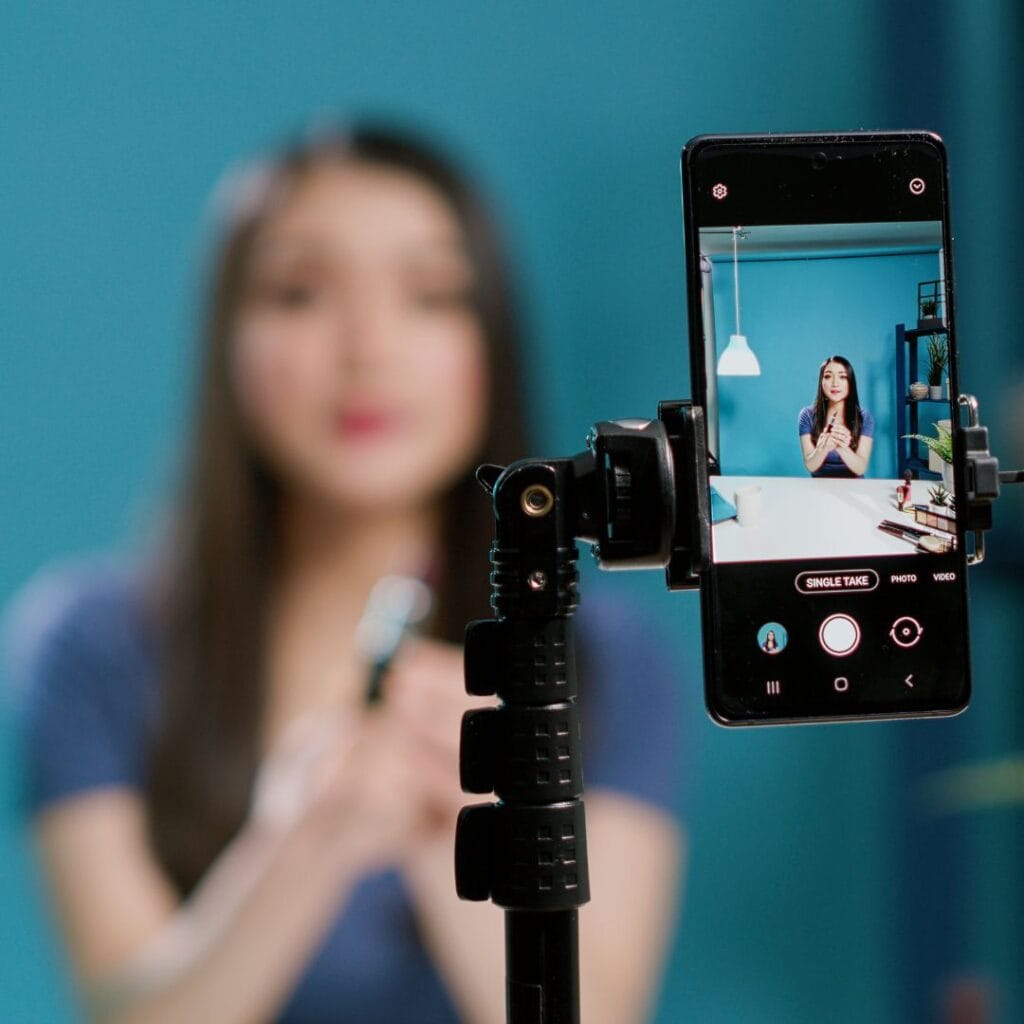
Before you buy a new phone, ask yourself: is it really the camera that’s holding you back? Or could it be your lighting, setup or editing process? Do you need a better filming plan to make time to create the content you desire?
Good photos and videos start with clear goals and smart setups, not just fancy specs. So clean your lens, switch on your gridlines, test your settings and don’t be afraid to work with what you’ve got. It might surprise you.
TOP TIP: Don’t let full storage kill your filming flow.
Picture this: you’re ready to start recording content when suddenly, your phone flashes with the message ‘Storage Full’. You then find yourself deleting footage and memories from your camera roll – and your creative momentum stops.
My simple fix is that I upload all my edited nail videos and photos to the Dropbox app. The free ‘Basic Plan’ offers 2GB of space that’s accessible from your phone, tablet and computer. I’ve used Dropbox for three years and keep each piece of work in a folder, so I can quickly and easily find the content I need.
My folders are labelled clearly – for example, ‘Dec 2025 Reels’, ‘Brand X Swatches’, ‘Client Winter Nails’. Once I’ve safely backed up the content, I delete the files from my phone to free up space.

Read the latest issue


